Getting Started

- Details
- Parent Category: Simple Change Link
- Created on Thursday, 23 September 2010 13:24
- Last Updated on Wednesday, 11 September 2013 14:40
- Published on Thursday, 23 September 2010 13:24
- Written by sandrine
- Hits: 485
For this tutorial we are going to make a simple object with 3 animations and a Chat command.
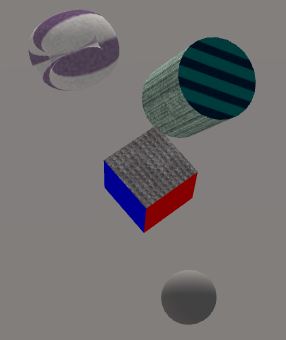
First create an object with 4 prims like that :
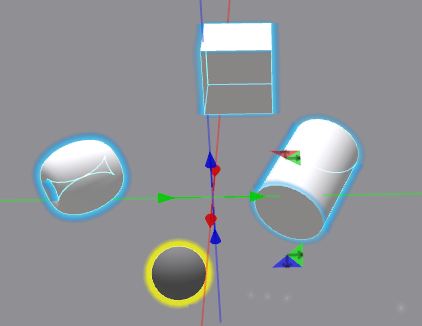
Choose linked prims with different faces number : torus (1 face), cylinder (3 faces) and box (6 faces).
Put in each linked prim the script child :
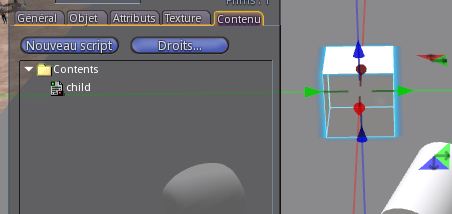
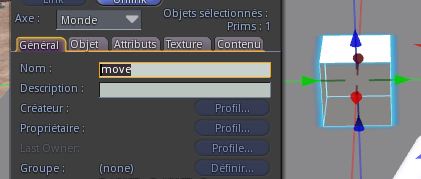
The script child change primitive name for move :
Now put the script memo move in the object :
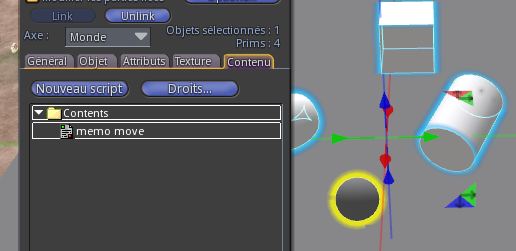
You get a menu :
So change some elements (color, texture, alpha...) :
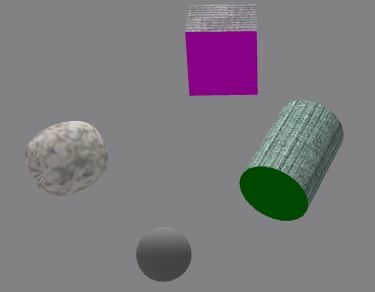
Click on Next button. You get a new menu :
Change some elements (position, rotation, scale, color, texture, alpha) :
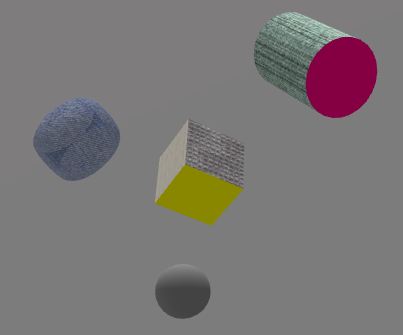
Click on Next button. You get a new menu :
Change for the last time some elements (position, rotation, scale, color, texture, alpha) :
This time click on End button. You get informations in Chat :
[06:49 AM]  //:::::::::::::::  begin notecard  :::::::::::::::::::::
@Anims
cmd 01
cmd 02
cmd 03

@Prims
2
3
4

@Faces
6
1
3

@Pos
<-0.62051, 0.30719, 2.15299>|<0.00000, 0.00000, 0.00000, 1.00000>
<0.48293, 0.97324, 1.63950>|<-0.33079, 0.93708, -0.11155, 0.00465>
<-1.16260, 0.00000, 0.98898>|<0.60888, -0.16272, -0.12947, 0.76553>
<-0.26474, 0.30722, 1.41689>|<-0.12515, -0.28160, 0.03707, 0.95061>
<0.48293, 0.97324, 2.08546>|<0.34677, -0.91757, 0.04036, 0.19022>
<-1.16260, 0.00001, 2.19622>|<-0.05978, 0.74217, -0.61960, 0.24841>
<0.17649, 0.30726, 1.41689>|<-0.23242, -0.20233, -0.36816, 0.87721>
<0.48295, 0.80363, 2.69600>|<0.38411, -0.89677, -0.19856, 0.09398>
<-0.21501, 0.04951, 2.05584>|<0.00645, 0.87722, -0.40648, 0.25536>

@Colors
np
np
np
<1.000000, 0.000000, 1.000000>|1.000000
<1.000000, 1.000000, 1.000000>|1.000000
np
np
np
np
<0.000000, 0.501961, 0.000000>|1.000000
np
np
np
<1.000000, 1.000000, 0.000000>|1.000000
<1.000000, 1.000000, 1.000000>|1.000000
np
np
np
np
<1.000000, 0.000000, 0.501961>|1.000000
np
np
np
<0.000000, 0.000000, 1.000000>|1.000000
[06:49 AM]  //:::::::::::::::  following notecard  :::::::::::::::::
<1.000000, 0.000000, 0.000000>|1.000000
np
np
np
np
<0.000000, 0.501961, 0.501961>|1.000000

@Textures
np
np
5748decc-f629-461c-9a36-a35a221fe21f
np
np
np
e38248f9-f2ee-2c9f-aa49-4860857e3b08
np
np
5748decc-f629-461c-9a36-a35a221fe21f
np
np
7692b444-83db-90af-fe08-e602ca618ade
np
np
np
b00fd16f-1b5a-8667-bf61-90d960b8112a
np
np
5748decc-f629-461c-9a36-a35a221fe21f
np
np
7692b444-83db-90af-fe08-e602ca618ade
np
np
np
7156005b-b9c4-bb76-bd27-37b6558e0bc2
np
np
7156005b-b9c4-bb76-bd27-37b6558e0bc2

[06:49 AM]  //:::::::::::::::  end notecard  :::::::::::::::::::::::
Copy and paste these informations in a notecard, call it configmove :
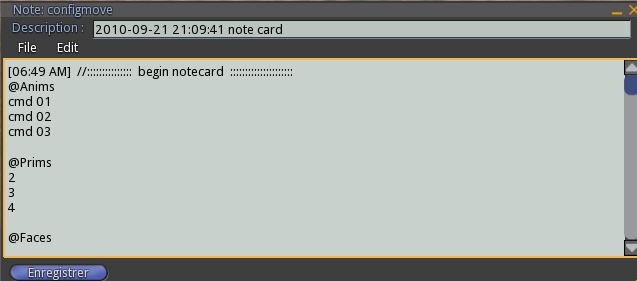
You can delete lines with time and informations like "begin notecard" if you want a clean note...
Drop this notecard in object, and doprt the script mover after the notecard :
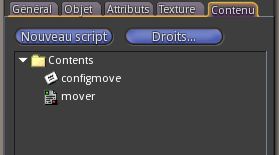
Wait for the script to read the notecard.
Drop the script chat command it in the object :
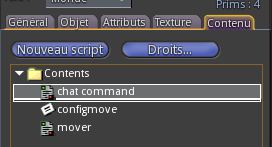
Now say cmd 01 in the public Chat. You get the first state :
To get state 2 and 3 just say cmd 02 or cmd 03.
If you look at the notecard you can see these commands in section @Anims :
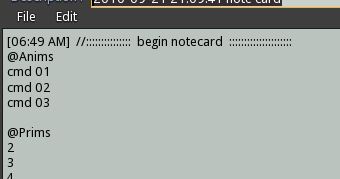
You can change them if you want. The script chat command just get the command in Chat and send it to script mover. This script is modify so you can see the code, it's simple :
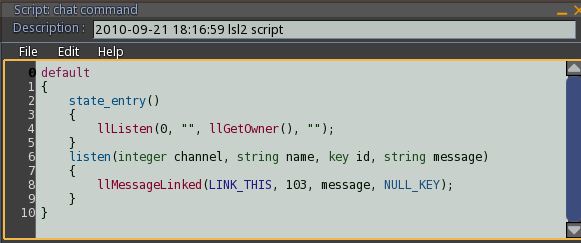
You can adapt it if you want.
Now take off the script chat command and drop the script click command :
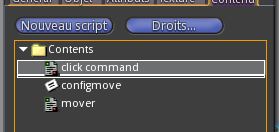
Now you change state with click on object. This script is also modify so you can adapt it if you want :
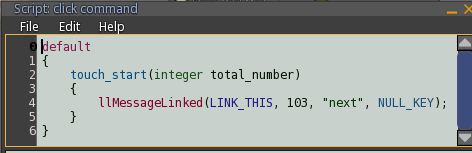
It use the special command next that start the next state. There is also the special command previous if you need it.
Default channel is 103, you can change it by adding section @Channel in the notecard, like that :
@Channel
1004
When you change notecard you must reset the script to make it read the note. This provision aims to avoid frequent re-reading the note when the script mover is placed in an object that requires many changes.You just think to do a reset with each change.