Getting Started 1

- Details
- Parent Category: Simple Giver
- Created on Saturday, 15 May 2010 15:29
- Last Updated on Wednesday, 11 September 2013 14:40
- Published on Saturday, 15 May 2010 15:29
- Written by sandrine
- Hits: 250
For this first tutorial we use auto mode, the simpliest way to use your Simple Giver !
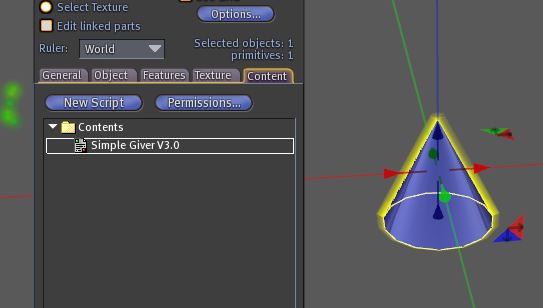
First create an object and drop the script Simple Giver inside :
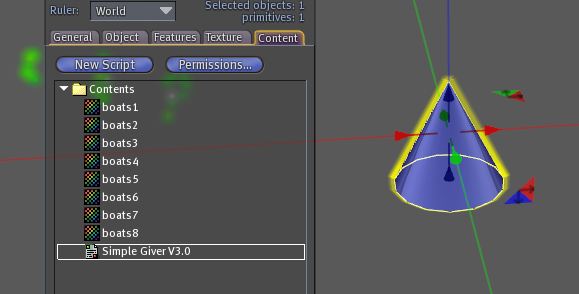
Now drop some elements from same category (here textures) :
Now click on the giver, you get this menu :
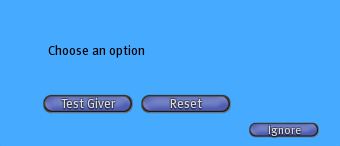
This is a special one for giver owner. You can reset the script or test it. Click on "Test Giver" :
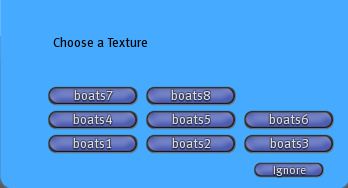
Great ! But what happen if we are up menu limit ? Drop many elements of same type :
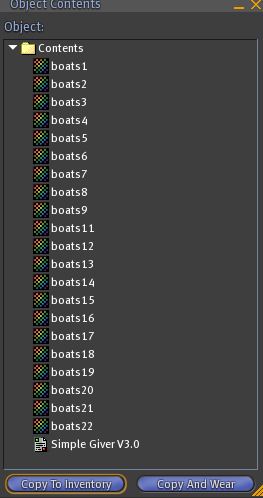
And click :
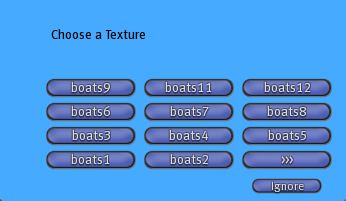
You can see 11 elements and an arrow. Click on the arrow :
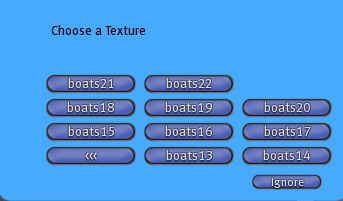
Other elements are there ! There is no limitation in elements number. Now drop elements from another category :
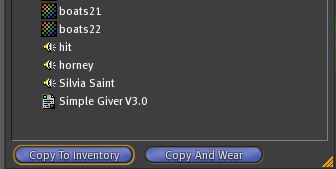
And click :
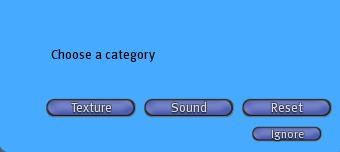
Now you must chose the category before to get an element. For example if i click on "Sound" :
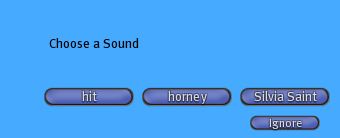
I can now chose the sound i want. Now i drop many elements from many categories :
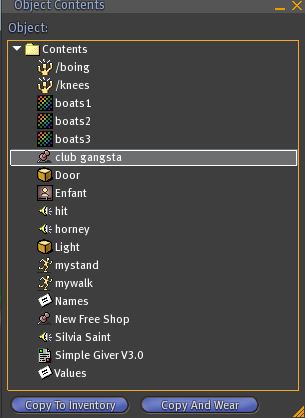
And i click :
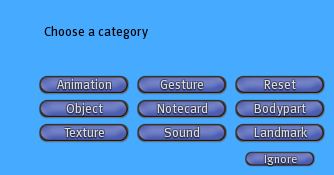
All is ok ! Now i drop an element with long name :
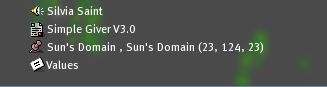
When i click i get this message :

Ths script says me the name is too long (more than 24 caracters) and that i must create a notecard configgiver.
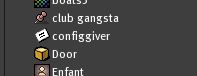
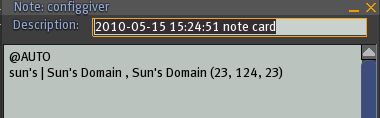
The syntax is easy. Fist type
@AUTO
And then on one line the name you want in the menu and the real name separated with "|". Now if i click :
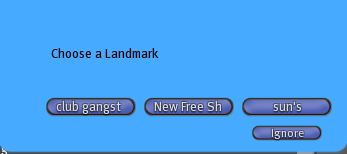
It works ! Now if i want to limit the giver to my group i must change the notecard :
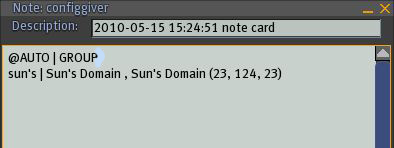
I can also type OWNER i i want the giver only for me !