Getting Started


- Details
- Parent Category: Simple Lift
- Created on Monday, 30 April 2012 09:36
- Last Updated on Sunday, 02 March 2014 21:51
- Published on Monday, 30 April 2012 09:36
- Written by sandrine
- Hits: 940
The setup (V2.0)
First create your build :
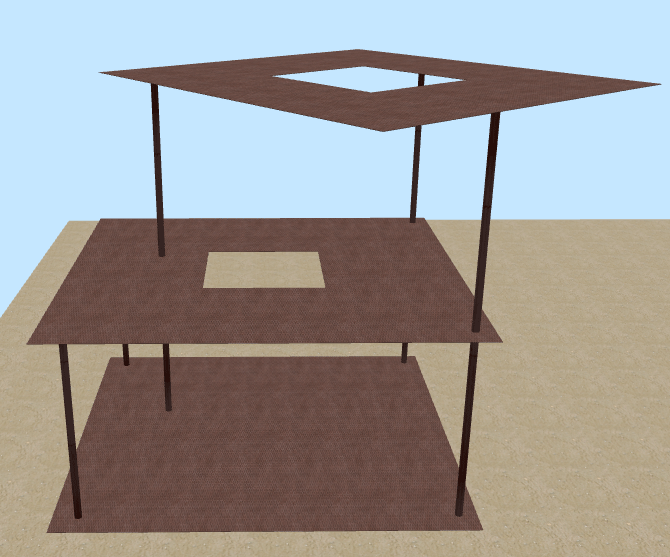
Here i've just created 3 levels, but you can have as many levels as you want.
Now create the call buttons for the lift (any prim linked or not) :
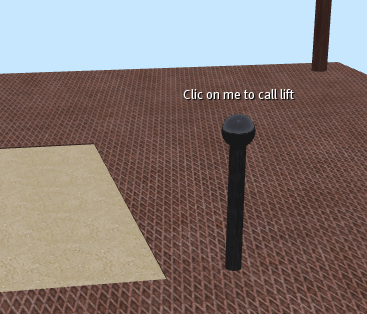
You need at least 1 call button for level 0 because it is the lift reference for position and rotation.
Call your buttons :
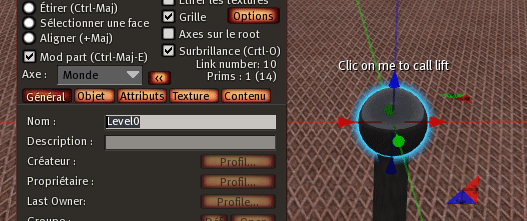
The name must be "Level" followed by the level number starting to 0. In the example above it is the first level so the name is "Level0". The next level will be called "Level1" and so on.
! Take care ! The name is "Level0" and not "level0" !
Drop the script "button V..." in each call button :
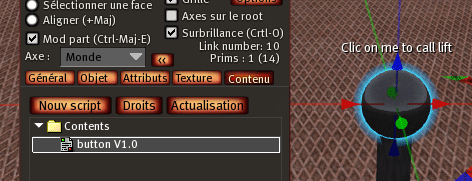
You get in public chat a message that tell you that the button is OK :

Now create your lift :
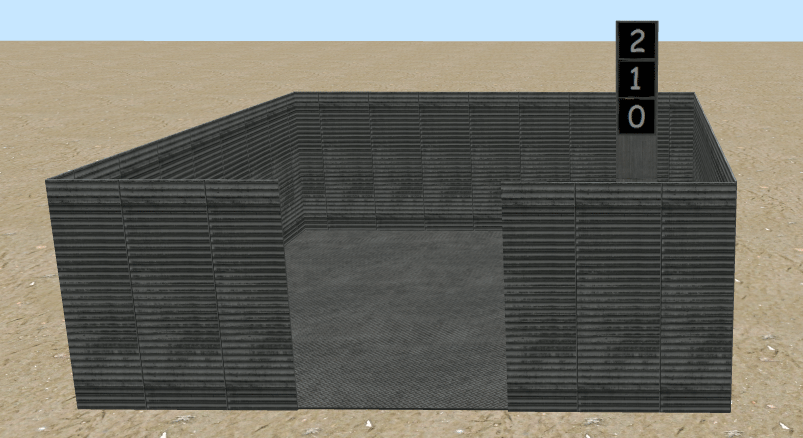
Any build as you want with prims for lift buttons.
Each button must be called the same way as the call buttons :
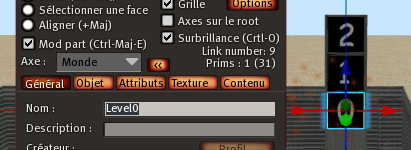
Drop the script "Setup Lift V..." in the lift root :
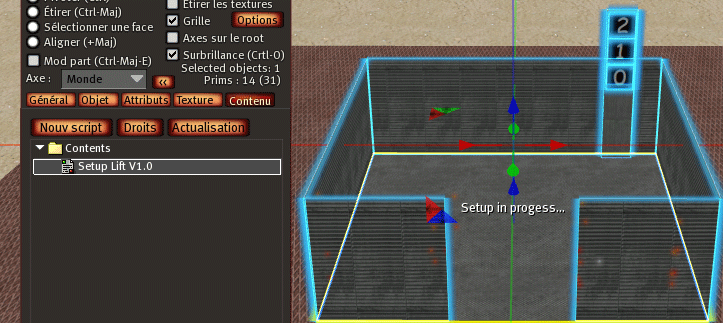
You get this message in public chat (only if you have the call button for level 0, called "Level0", and with its script "button") :

You get this menu :
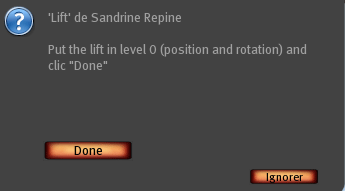
Put the lift in level 0 position and rotation and clic on "Done", you get the next menu :
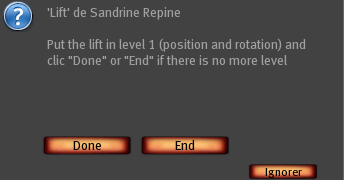
Put the lift in level 1 position and rotation :
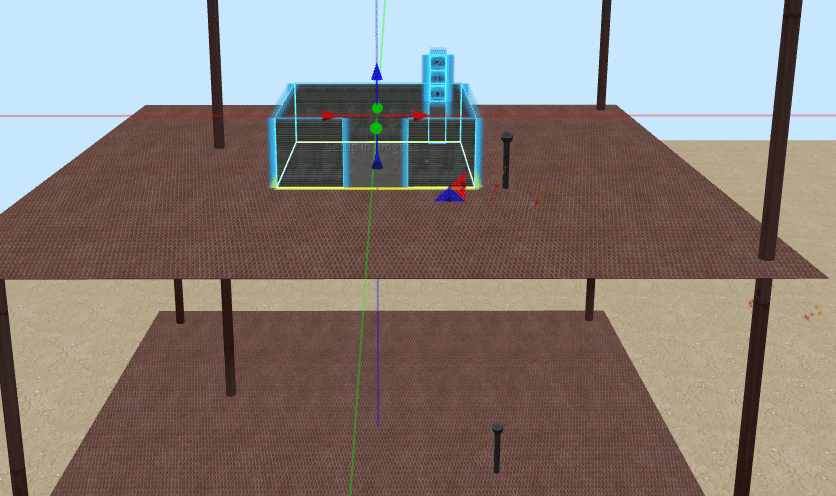
Clic on "Done", you get the next menu :
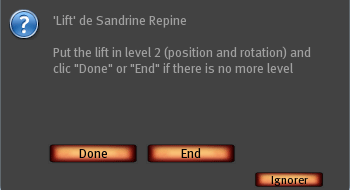
Put the lift in level 2 position and rotation :
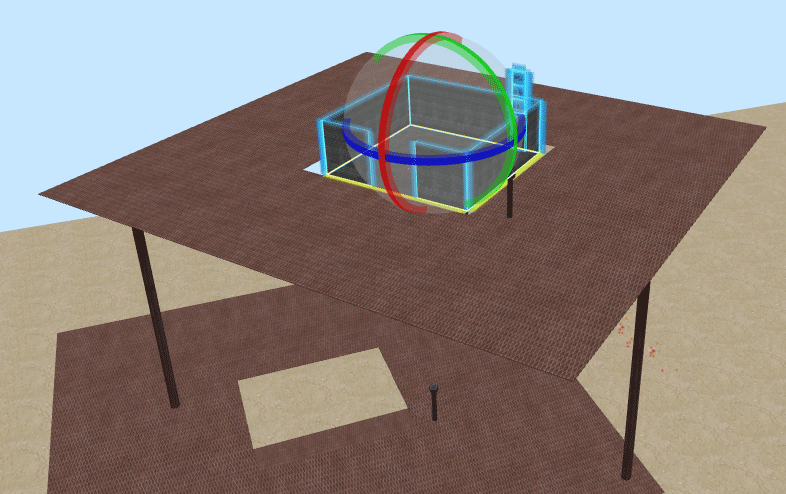
Clic on "End", you get the next menu :
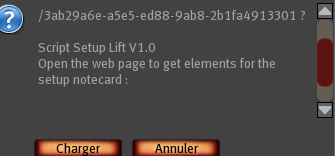
You get informations in your web navigator :
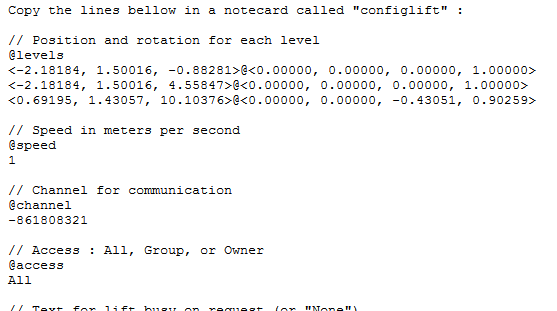
! Take care ! Some browser gives encoded caracters like "%9B" for ">" !
Copy these informations in a notecard called "configlift" :
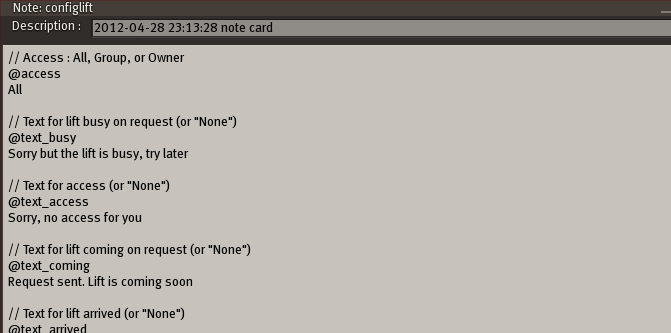
Drop the notecard "configlift" in the lift :
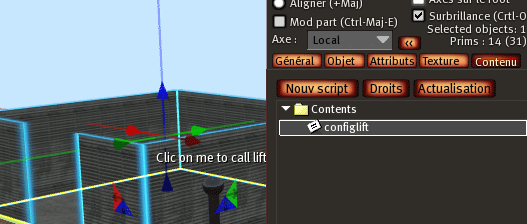
Drop the script "Lift V..." in the lift :
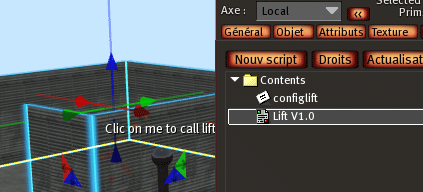
The script "Lift V..." read the notecard and the lift goes on the first level position and rotation. It sends also informations to buttons :
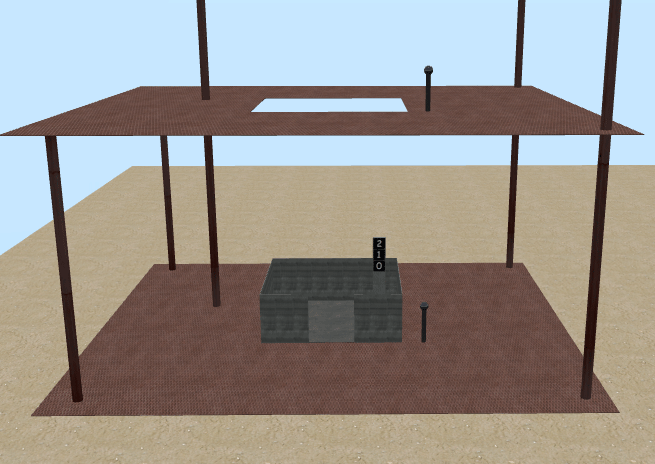
The setup is done, now you can use the lift :
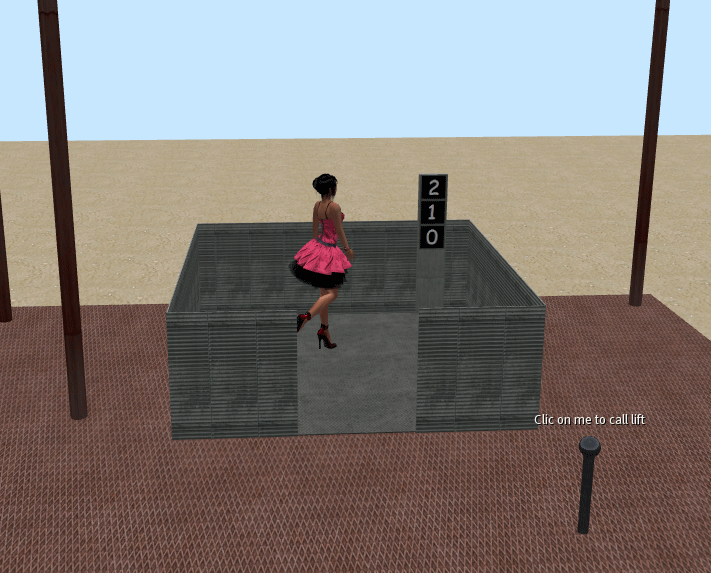
You can see the lift goes smoothly for position and rotation between levels :
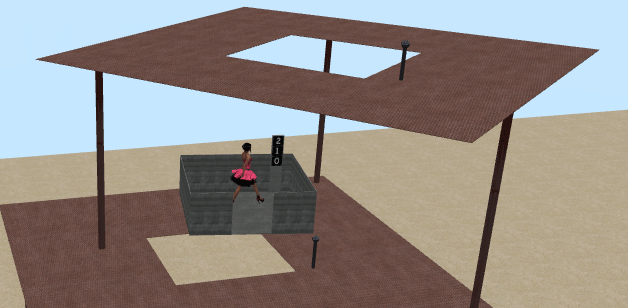
You can now move or rotate you lift (with the build with the call buttons), it always works !
You can get all in your inventory, rez all in another place, move and rotate as you want, it always works !