A beating heart


- Details
- Parent Category: Simple Move
- Created on Friday, 28 May 2010 13:05
- Last Updated on Wednesday, 11 September 2013 14:40
- Published on Friday, 28 May 2010 13:05
- Written by sandrine
- Hits: 165
A beating heart is always nice and easy to make with Simple Move. Let's go !
First create your heart, a sculpty is the best :

Drop the script Setup Move in the inventory :
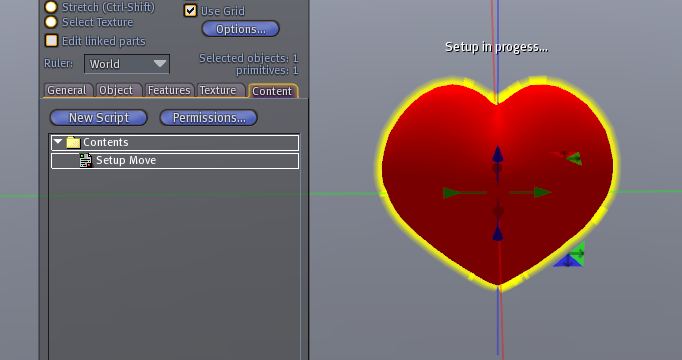
You get this menu :
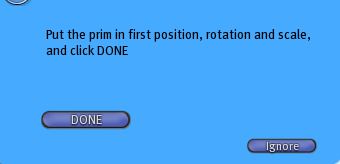
Adjust the scale of the heart and click on "DONE". You get a new menu :
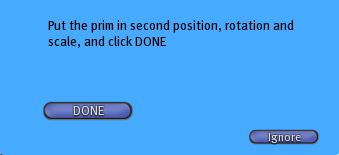
Change the scale of the heart to get the second state. Use option "Stretch Both Sides" to not change heart position. :
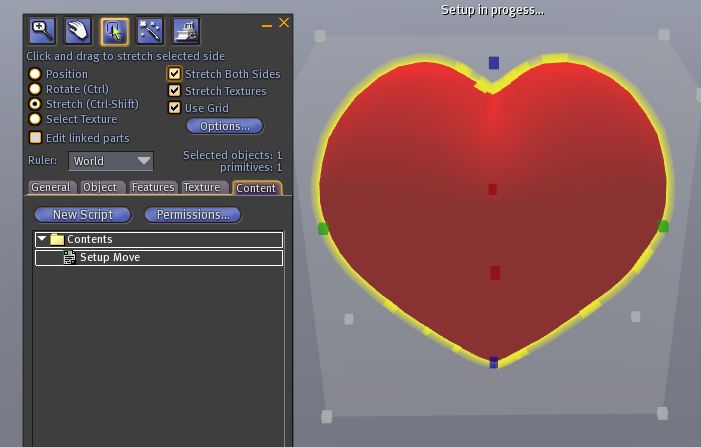
Then click on "DONE". You get this menu :
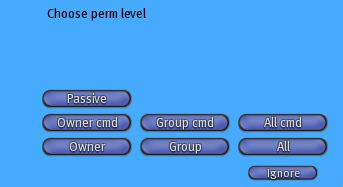
Select one of the 3 buttons : Owner, Group or All. You get a new menu :
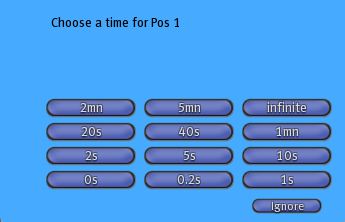
Select "0s". You get a new menu :
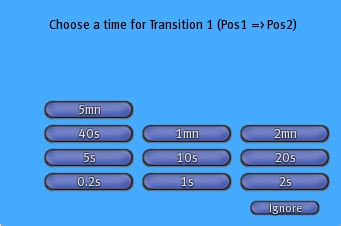
Select 2s. You get a new menu :
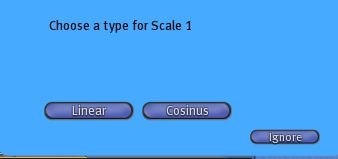
Select "Cosinus". You get a new menu :
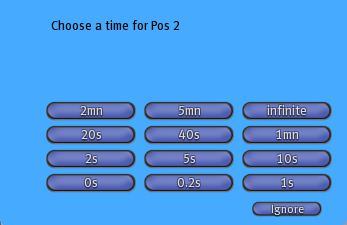
Select "0s". You get a new menu :
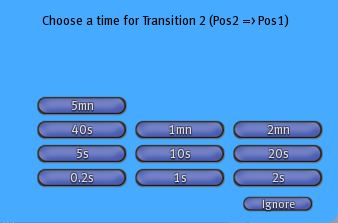
Select 2s. You get a new menu :
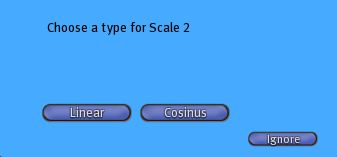
Select "Cosinus". You get a new menu :
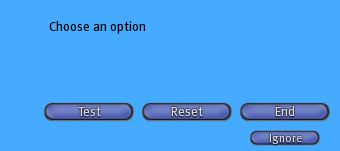
You can test your move with "Test" button and change all parameters :
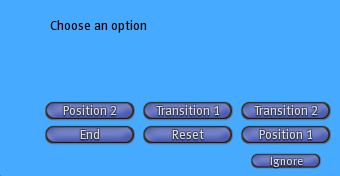
When all is ok click on "End" button, you get a new menu :
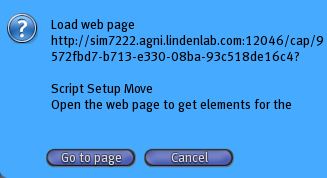
Click on "Go to page". Copy the informations in the web page and paste them in a notecard that you call setupmove :
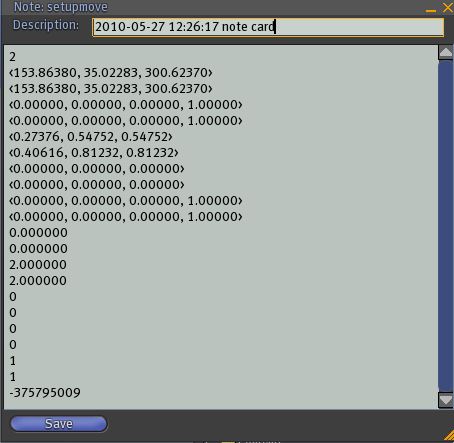
Now drop this notecard and the script Simple Move in the inventory of the heart :
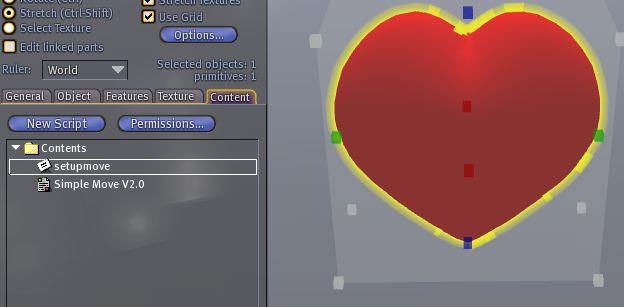
Now your heart is ready, it beats ! You can stop of start move on a click. You can add sounds for the 2 states :
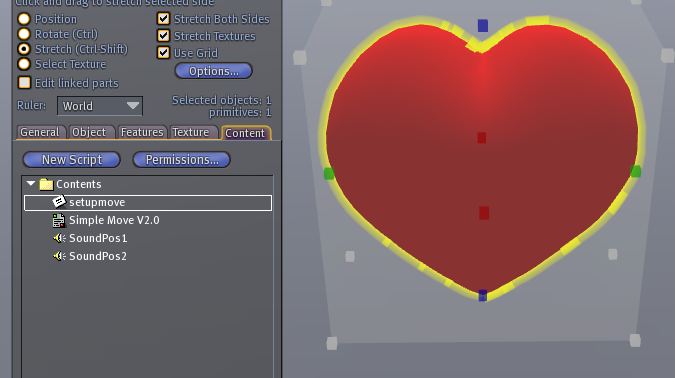
The sounds must have these names : SoundPos1 and SoundPos2.