A pendulum


- Details
- Parent Category: Simple Move
- Created on Friday, 28 May 2010 13:24
- Last Updated on Wednesday, 11 September 2013 14:40
- Published on Friday, 28 May 2010 13:24
- Written by sandrine
- Hits: 216
Do you want a rotating door with soft move ? Easy with Simple Move !
First create your pendulum :
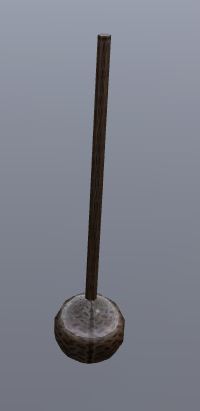
I made it with 3 linked primitives : the ball, the axis and a little one at the end of the axis :
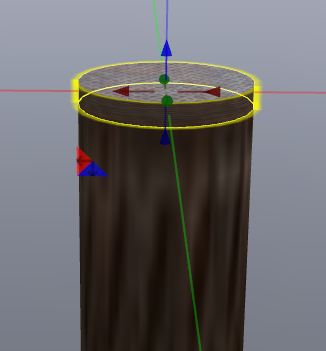
This little primitive must be the root. I will be the axis of the move. Now drop the script Setup Move in your pendulum :
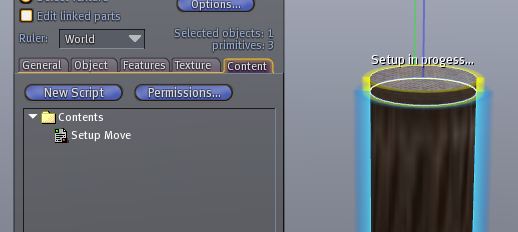
You get a menu :
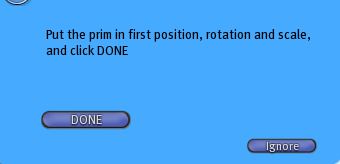
So put your pendulum in the first position (with good rotation) :
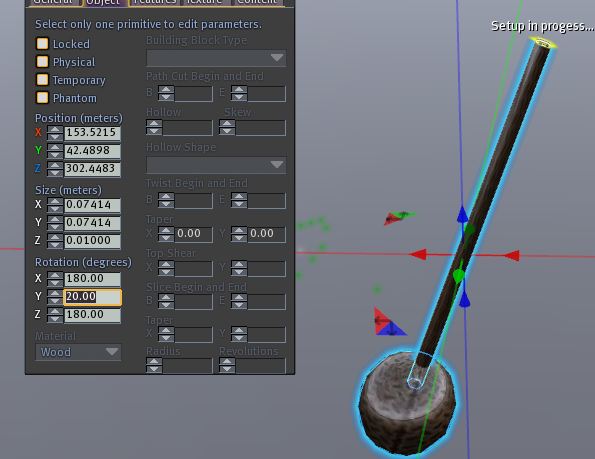
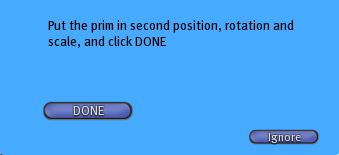
Click on "DONE" button. You get a new menu :
So put your pendulum in the second position (with good rotation) :
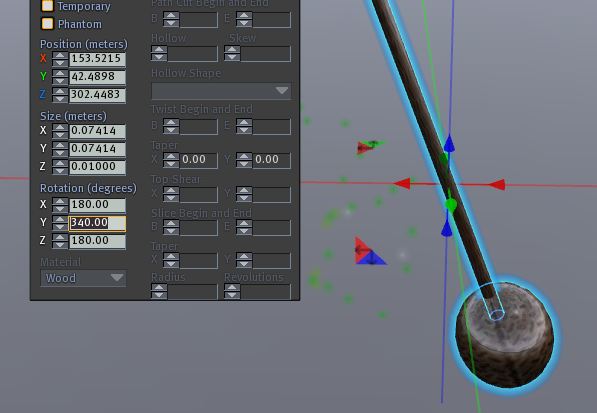
Take care not to change position ! And click on "DONE" button. You get a new menu :
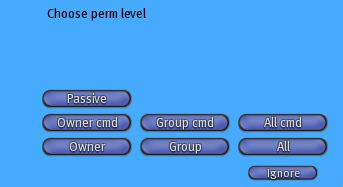
Select one of the 3 buttons : Owner, group or All (the buttons with "cmd" are if you want your pendulum to command another object and button "Passive" if your pendulum is triggered from another object). You get a new menu :
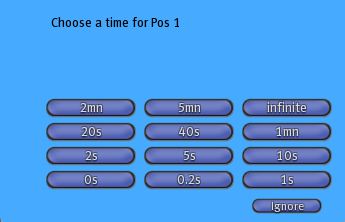
Select "0s". You get a new menu :
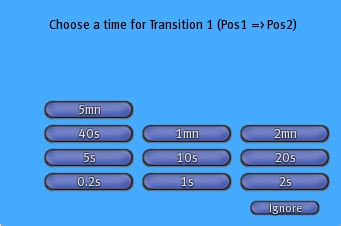
Select "2s". You get a new menu :
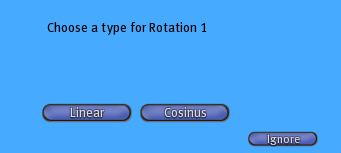
Select "Cosinus". You get a new menu :
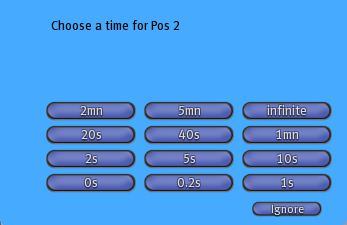
Select "0s". You get a new menu :
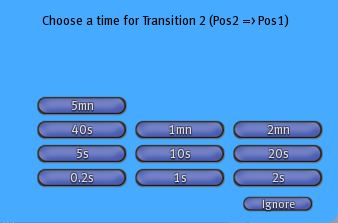
Select "2s". You get a new menu :
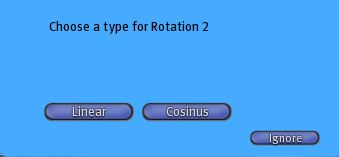
Select "Cosinus". You get a new menu :
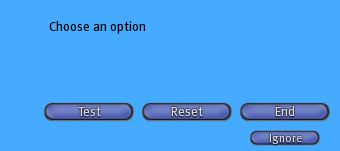
You can test your move if you click on "test" :
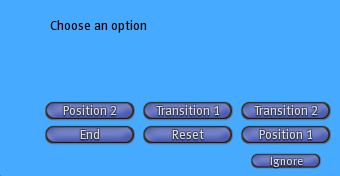
You can change all paramaters. At the en you click on "End" button :
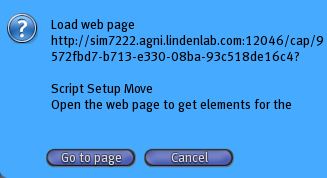
A new menu that ask you to get the parameters on a web page. Click on "Go to page", copy the elements in a notecard that you call setupmove :
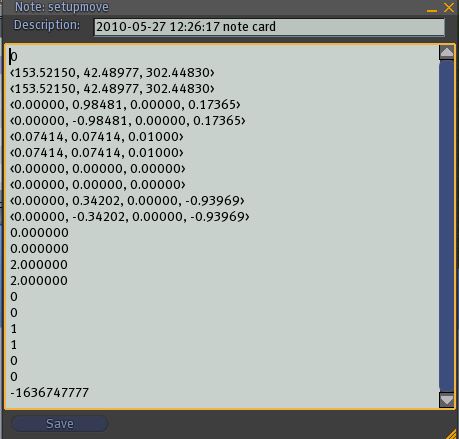
Drop this notecard in the pendulum inventoiry and the script Simple Move :
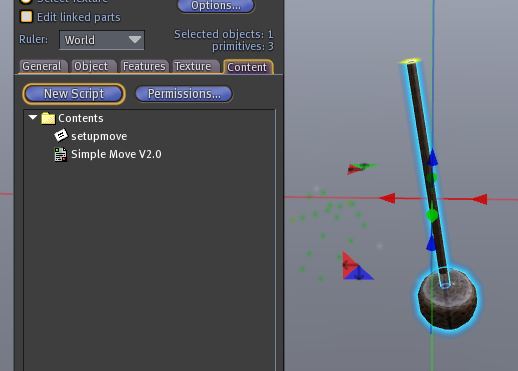
At the end of the setup your pendulum is ready ! You can stop or start movement o a click.