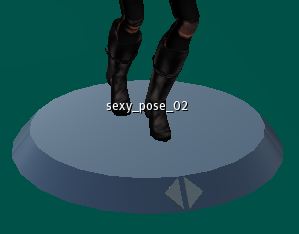
Animations Pad

- Details
- Parent Category: Simple Sit
- Created on Sunday, 28 February 2010 19:25
- Last Updated on Wednesday, 11 September 2013 14:40
- Published on Sunday, 28 February 2010 19:25
- Written by sandrine
- Hits: 300
I propose to create an animations pad with command buttons forward and backward. This pad is in the example box of the pack.
The build
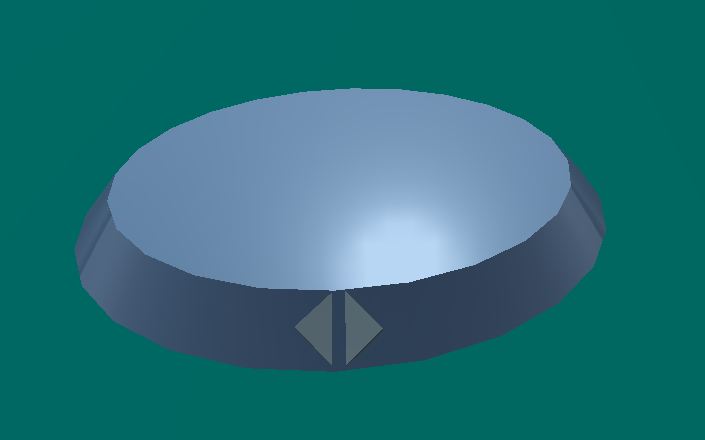
First create the build : a pad and 2 buttons, all linked (the pad must be the root) :
The setup
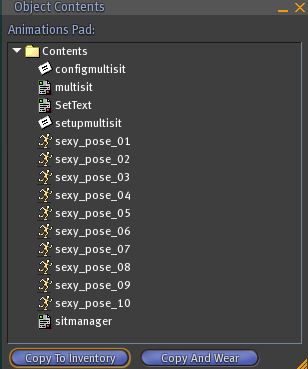
Drop the animations from your inventory to the pad inventory :
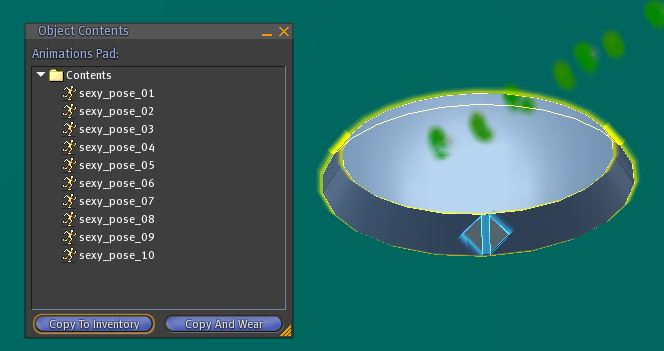
These free animations are in the pack. Drop the script setup and the object setball in the pad inventory. Sit on the ball that appears :
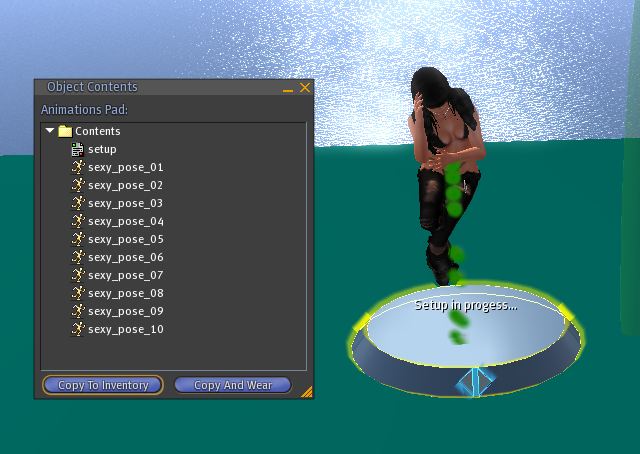
You can select option "Simple" in this case.
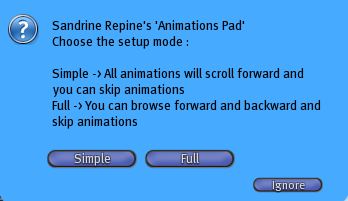
Make the setup as it is explained in the setup section. For each animation adjust it :
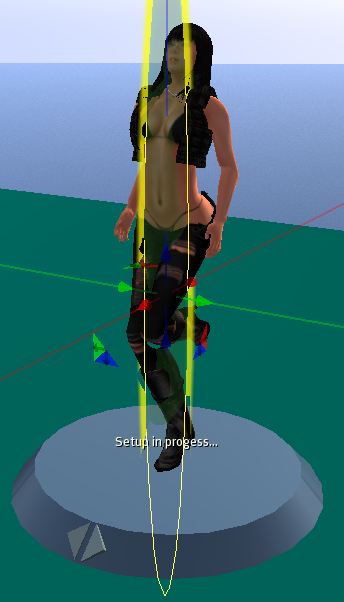
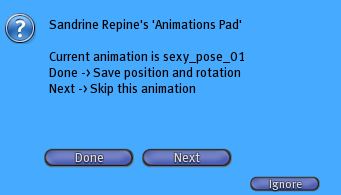
and click on "Done" button :
At the end click on the "Go to page" button :
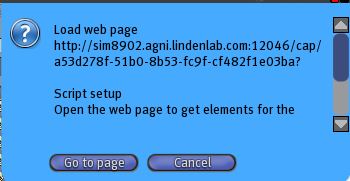
Copy the informations from the web page and paste them in a notecard called setupmultisit :
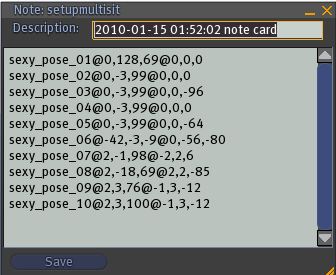
Drop this notecard and the scripts sitmanager and multisit in the pad inventory :
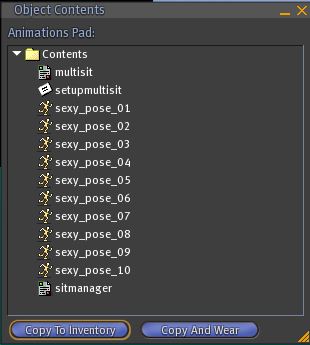
The configuration
Create a notecard configmultisit with these informations :
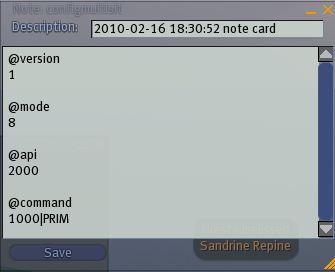
- The mode 8 is the mode for which only the API command the animations.
- API channel is 2000, used for the command buttons to change animations
- There is also an external command on channel 1000 in the prim, used for a script that will change the floating text.
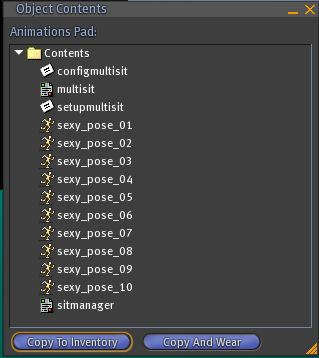
Drop this notecard configmultisit in the pad inventory :
The command buttons
Select the forward command button, edit it, and create a new script called next :
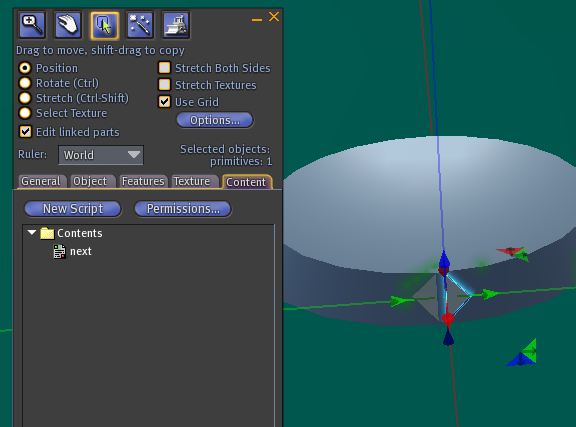
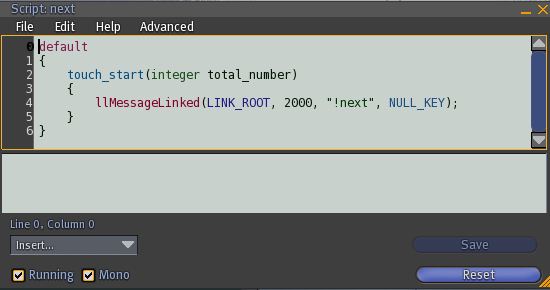
Paste this code :
default
{
touch_start(integer total_number)
{
llMessageLinked(LINK_ROOT, 2000, "!next", NULL_KEY);
}
}
Select the backward command button, edit it, and create a new script called back :
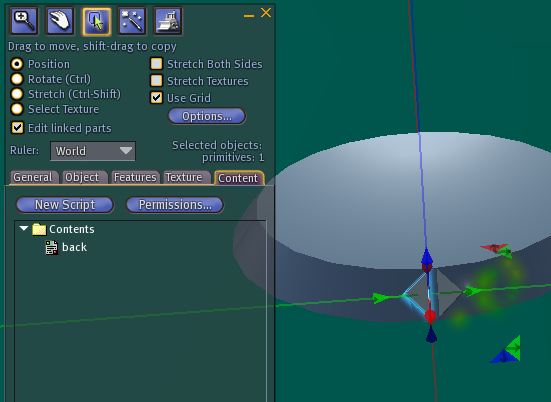
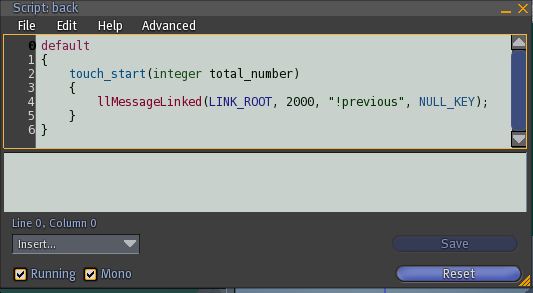
Paste this code :
default
{
touch_start(integer total_number)
{
llMessageLinked(LINK_ROOT, 2000, "!previous", NULL_KEY);
}
}
The floating text
Create a new script in the pad inventory and call it SetText :
Paste this code :
default
{
touch_start(integer total_number)
{
llMessageLinked(LINK_ROOT, 2000, "!previous", NULL_KEY);
}
}
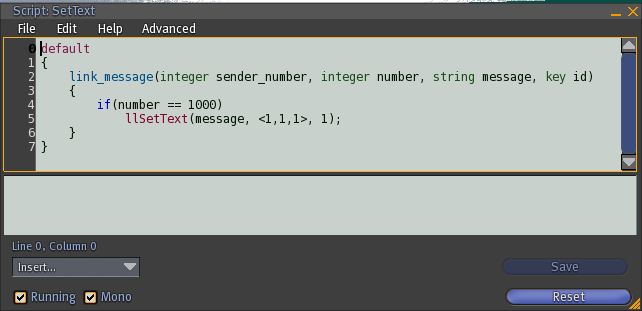
Now the floating text show the current animation name :