Synchro dance


- Details
- Parent Category: Simple Sit
- Created on Tuesday, 02 March 2010 19:33
- Last Updated on Wednesday, 11 September 2013 14:40
- Published on Tuesday, 02 March 2010 19:33
- Written by sandrine
- Hits: 567
I propose to create an synchro dance line system. It is in the example box of the pack.
The build
The build is very simple, only one primitive, any form is good :
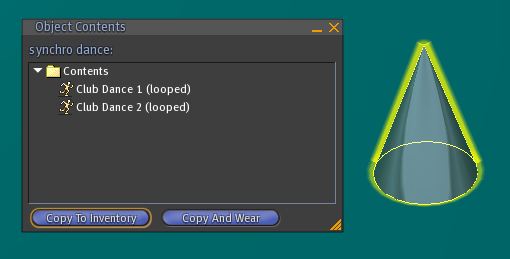
Drop 2 (or more) dance animations (you can get them in the pack) :
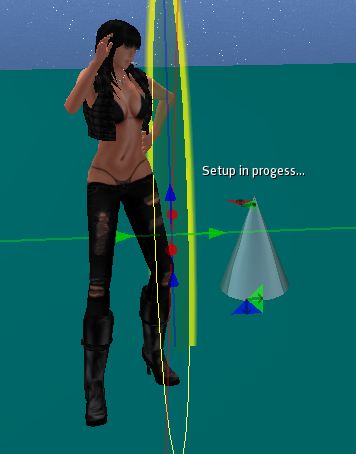
Drop the script setup and the object setball in the pad inventory. Sit on the ball that appears :
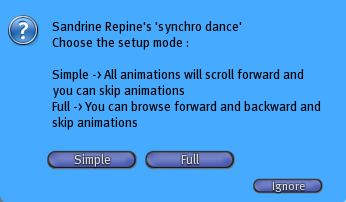
Select option "Simple" :
Make the setup as it is explained in the setup section. For each animation adjust it and click on "Done" button.
At the end click on the "Go to page" button :
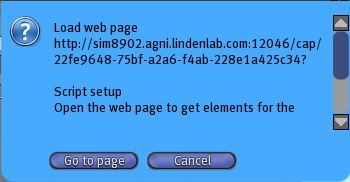
Copy the informations from the web page and paste them in a notecard called setupmultisit :
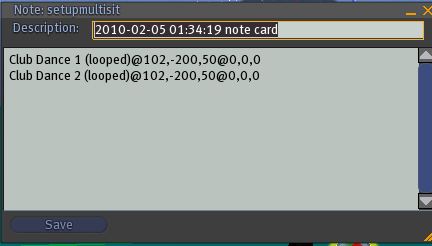
Create 11 others notecard by changing position parameter. For example :
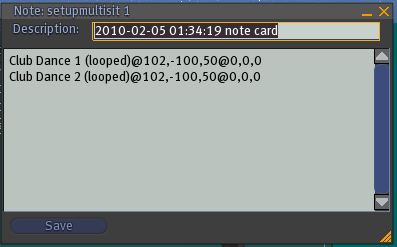
Position parameter is the first parameter after the dance name after the separator @. In the first notecard we have :
102,-200,50
That means 102 cm for the X axis, -200 cm for the Y axis and 50 cm for the Z axis.
In the second case we make a 100 cm shift on Y axis :
102,-100,50
In my example i've made 2 lines of 6 dancers. Look at the pack notecards.
When the 12 notecards are ready you must have this inventory :
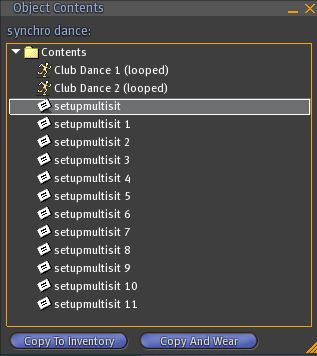
Create a configmanager notecard with these informations.
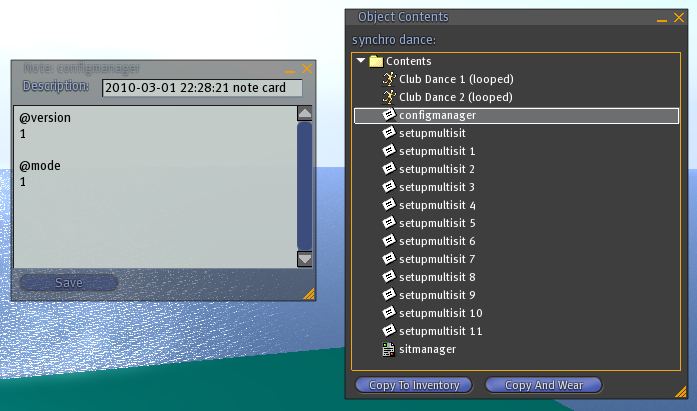
Mode 1 is the automatic mode.
Create a configmultisit notecard with these informations :
@version
1
@mode
8
@api
1000
Mode 8 is the slave mode and the channel command is fixed to 1000 in the command @api.
Drop the notecard 12 times, the script multisit 12 times and a script sitmanager :
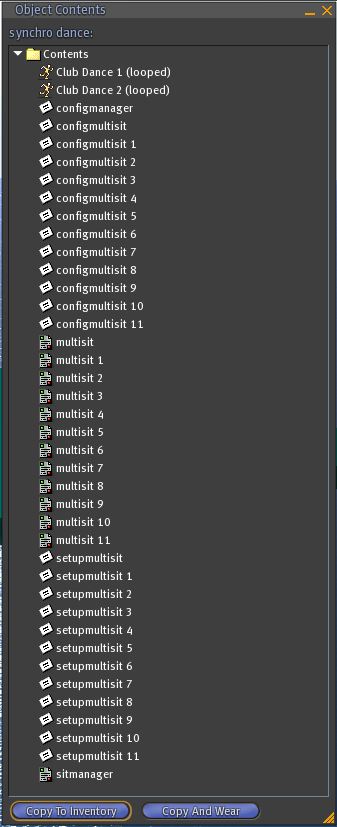
At last create a new script and call it synchro :
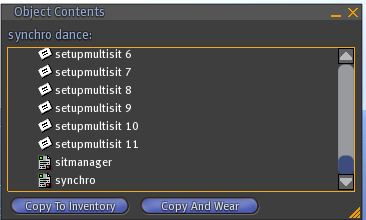
Paste this code in this script :
float fDelay = 20.0;
integer iIndexAnim;
default
{
state_entry() {llSetTimerEvent(fDelay);}
timer() {
if(++iIndexAnim == llGetInventoryNumber(INVENTORY_ANIMATION)) iIndexAnim = 0;
string sName = llGetInventoryName(INVENTORY_ANIMATION, iIndexAnim);
llMessageLinked(LINK_THIS, 1000, sName, NULL_KEY);
llSetText(sName, <1.0,1.0,1.0>, 1.0);
}
}
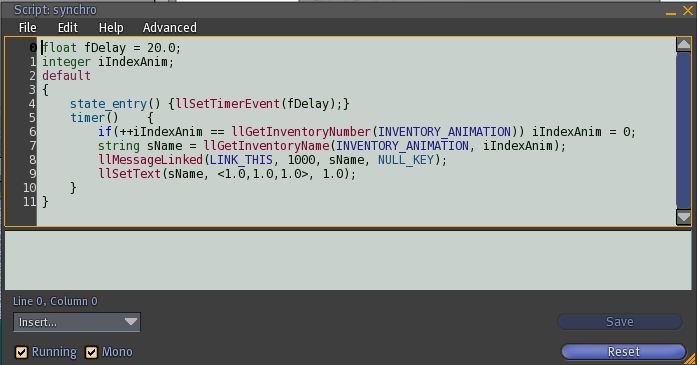
This script is the command script that trigger the multisit scripts on channel 1000 with the current animation name each 20 seconds.
You can chage the delay by changing this line :
float fDelay = 20.0;
For example for 10 seconds :
float fDelay = 10.0;
Enjoy !