Open your box !

- Details
- Parent Category: Simple Sit
- Created on Sunday, 28 February 2010 21:59
- Last Updated on Wednesday, 11 September 2013 14:40
- Published on Sunday, 28 February 2010 21:59
- Written by sandrine
- Hits: 758
You get a box when you buy Simple Multisit :
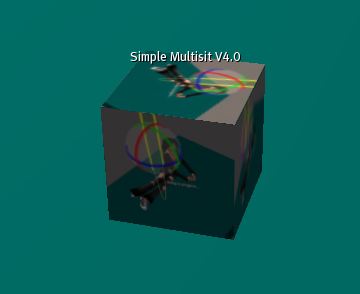
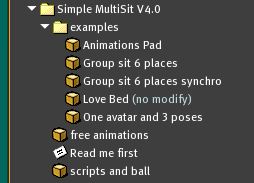
Open it. There is 3 boxes inside and a notecard :
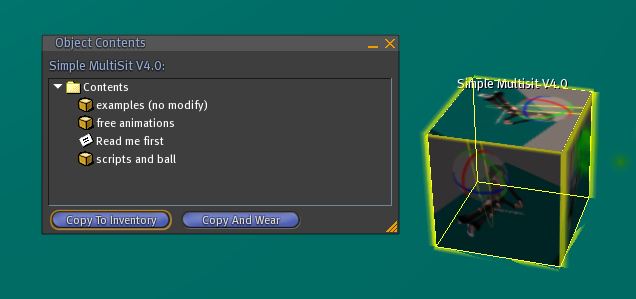
Copy it in your inventory. There is now a folder :
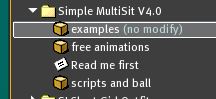
Rez the first box "examples" and open it :
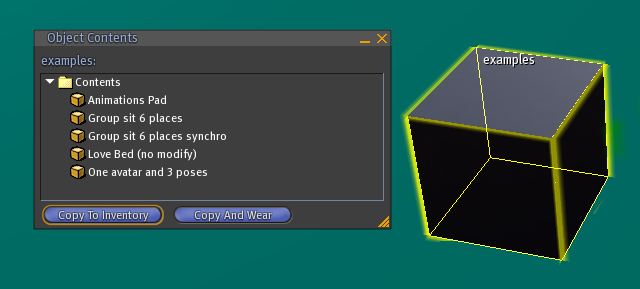
Copy in your inventory. Then drag and drop the new folder in the previous folder "Simple Multisit V4.0" :
Rez the second box "free animations" and open it :
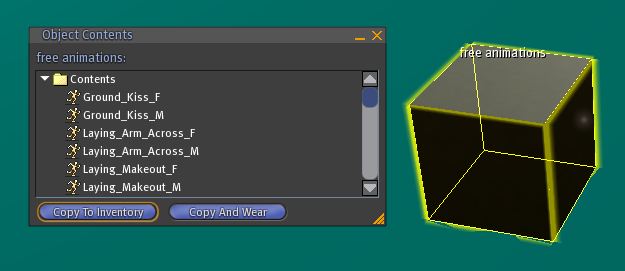
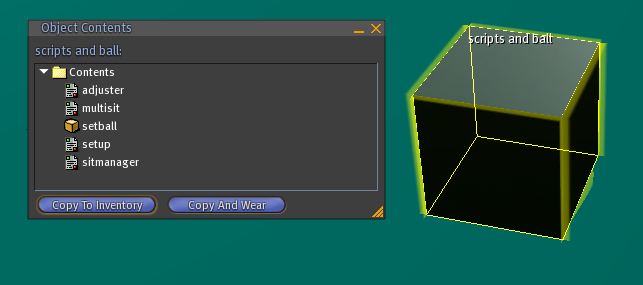
Copy in your inventory. Then drag and drop the new folder in the previous folder "Simple Multisit V4.0". Do the same with the last box :
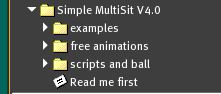
At last you must have that :
Now you are ready to make the first tutorial.