Owner

- Details
- Parent Category: Simple Sit
- Created on Wednesday, 03 March 2010 21:29
- Last Updated on Wednesday, 11 September 2013 14:40
- Published on Wednesday, 03 March 2010 21:29
- Written by sandrine
- Hits: 332
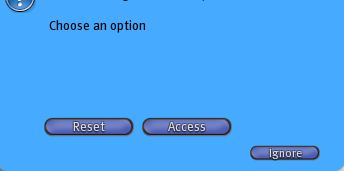
The owner can access to a special dialog when on clicking if it is not sitting :
Or this dialog box if there is one or more adjuster script in the inventory :
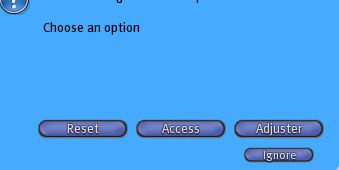
The button "Reset" is used to reset all scripts multisit and script sitmanager. It must be used if there is an unexpecting problem or a blocking.
Access
The owner can manage access. When you click on button "Access" you get a new dialog box :
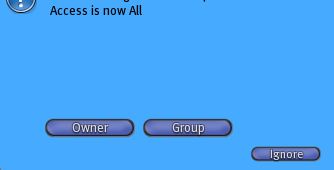
Here the access is "All" and you have buttons "Owner" and "Group" to change it. If you click on "Owner" you get this new dialog box :
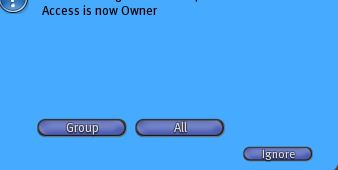
Text and buttons have changed.
Adjuster
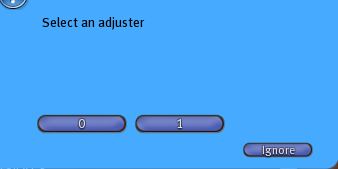
If you click on button "Adjuster" you can manage the scripts adjuster. If there are more than one you get a first dialog box to choose the script wiith its number :
Or you directly get this one :
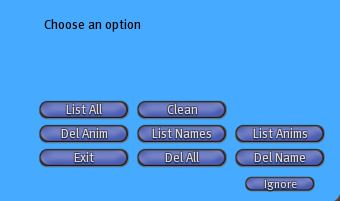
With all adjuster commands :
- List All -> list all content
- Clean -> to delete old animations and names (more than 1 month of not use)
- Del Anim -> to delete one animation
- List Anims -> to list all animations
- Del All -> to delete all
- Del Name -> to delete one name