Set animations

- Details
- Parent Category: Simple Texture Animator
- Created on Friday, 24 September 2010 12:18
- Last Updated on Wednesday, 11 September 2013 14:40
- Published on Friday, 24 September 2010 12:18
- Written by sandrine
- Hits: 145
How to set a texture on one face ?
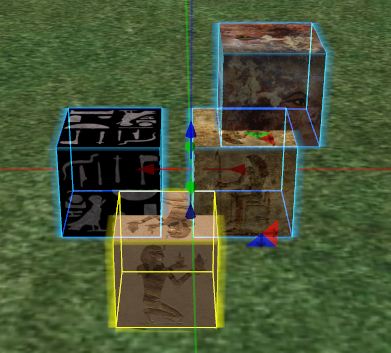
You have an object with some textured primitives :
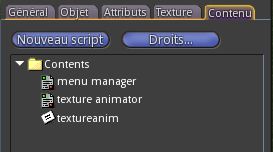
Drop in your object scripts texture animator and menu manager and notecard textureanim :
You get this menu :
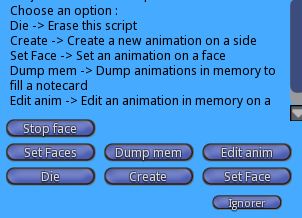
At any time you can type "menu" in Chat to get back the menu.
Click on "Set Face". You get this menu :
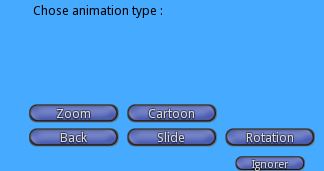
Click on "Rotation", you get a new menu :
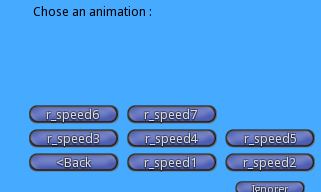
Now choose animation you want to set on the face. You get a Chat message :

Click on face to animate :
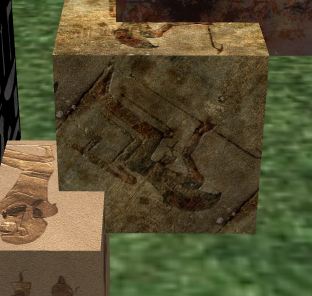
Now you have a rotation animation on this face.
How to set a texture on all faces ?
Click on "Set Faces" in main menu :
You get this menu :
Choose a type and an animation on next menu. You get this Chat message :
Click on primitive to animate :
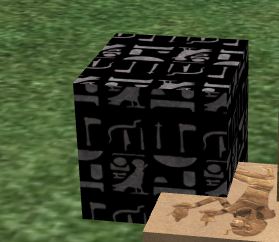
Here a zoom on this primitive... Dont you see ?