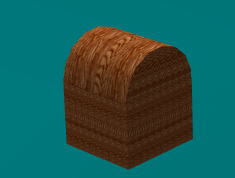
Chest

- Details
- Parent Category: Ultimate Change Link
- Created on Saturday, 21 May 2011 13:15
- Last Updated on Wednesday, 11 September 2013 14:40
- Published on Saturday, 21 May 2011 13:15
- Written by sandrine
- Hits: 179
In this example we animate a chest
Setup step
First create a chest :
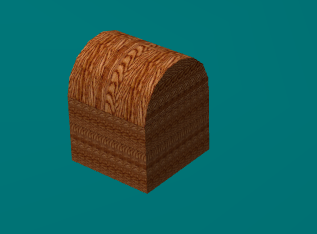
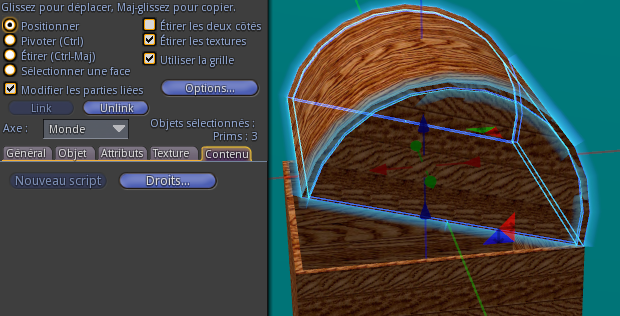
The moving part is made of 3 prims :
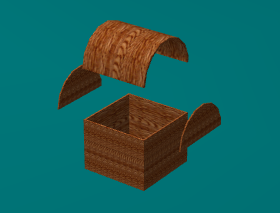
The root is the lower prim.
Drop the script "child" in the 3 prims that must move :
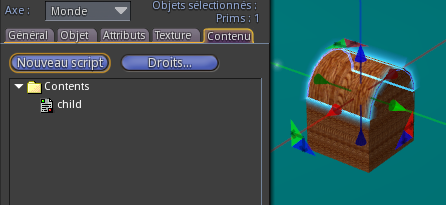
Drop the scripts :
- setup manager
- setup pos
- setup rot
in the root prim :
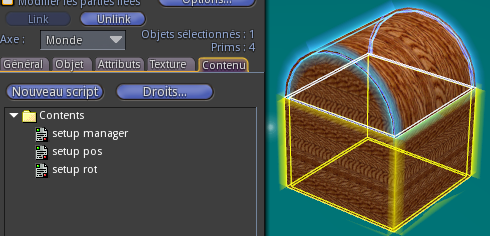
Click on chest, you get this menu :
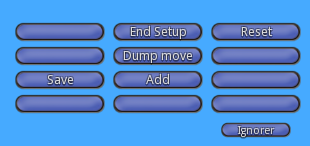
Put chest in first pos and rot :
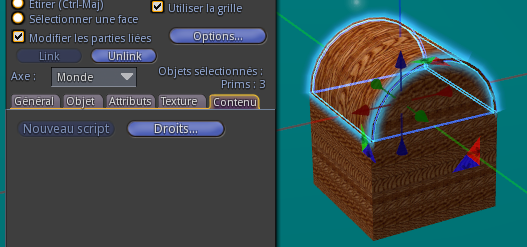
and click on button "Add". You get this menu :
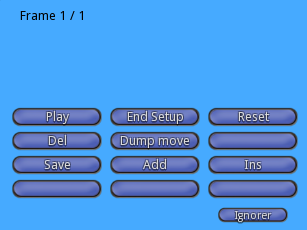
You can see there is now a frame (Frame 1/1) and new buttons. Put chest in new position/rotation:
Click again on button "Add". You get this menu :
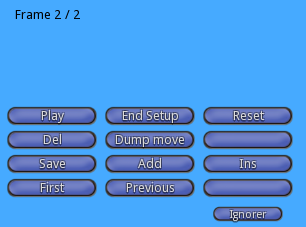
You can see there are now 2 frames (Frame 2/2). Continue to add frames...
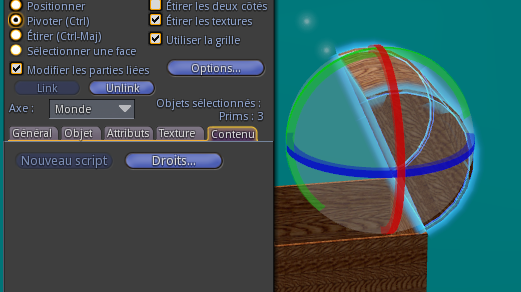
For example i created 6 frames (set more frames to get a more fluid move) :
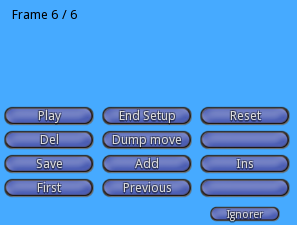
You can browse frames with buttons "Previous", "Next", "First" :
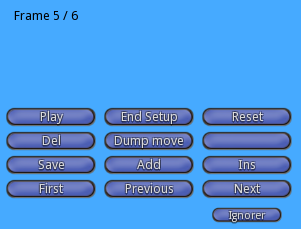
You know the current frame with the text menu : "Frame 5/6". First number is the current frame and second number total frames number.
You can also play all frames with button "Play". You get a new menu to control speed :
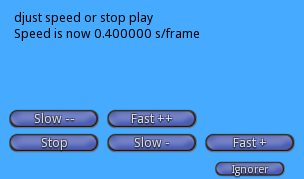
Click on stop to get back the main menu.
You can change a frame and save new position and rotation with button "Save".
You can insert a new frame before he current frame with button "Ins".
You can delete the current frame with button "Del".
When all is good click on tha button "Dump move". You get informations in chat :
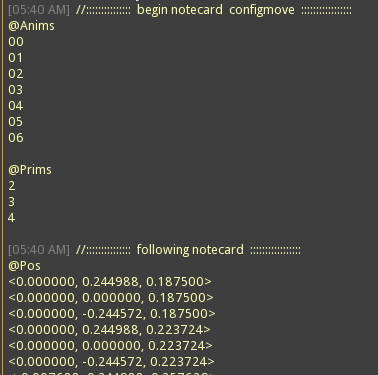
Copy and paste them in a notecard called "configmove" :
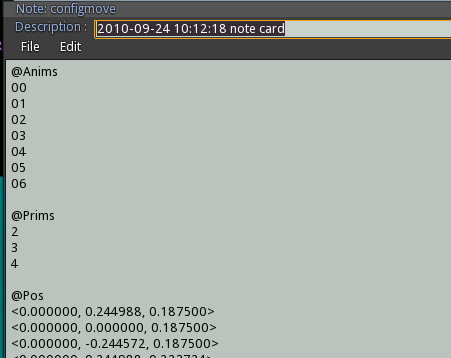
You can clean text for no needed informations. At least click on "End Setup" button to del all setup scripts.
Action step
Now drop in root prim :
- notecard "configmove" that you just created
- script "move pos"
- script "move rot"
- script "trigger chat"
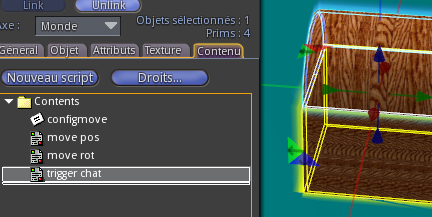
Wait for scripts to load notecard.
Now you must change parameters in script "trigger chat" to make it work as you want. Open the script with a double click on its name.
You can see there are many parameters all full commented for all situations.
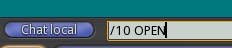
We want movement to start with chat command with woed "OPEN".
We want movement to go back with chat command with word "CLOSE".
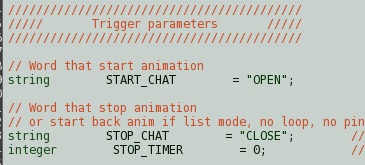
We want a list mode with all frames :
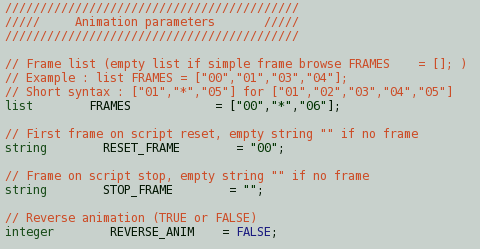
We want no ping, no loop :
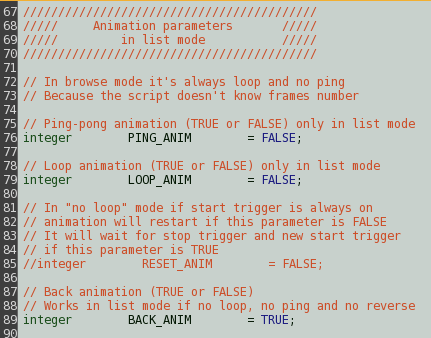
At least we set time parameters :
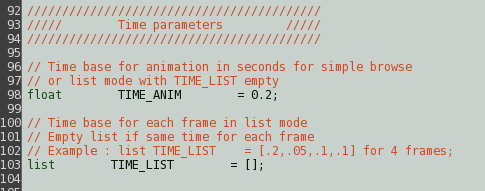
At least the channels parameters :
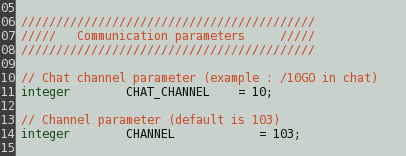
When you save the script "trigger chat" you start again reading notecard for scripts "move pos" and "move rot", because inventory has changed. Wait for end of reading.
All is good now. You can enjoy your chest. When you say "OPEN" in chat :
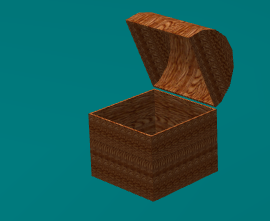
The chest open :
When you say "CLOSE" in chat :
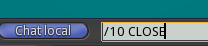
The chest close :