Simple door

- Details
- Parent Category: Ultimate door system
- Created on Monday, 18 February 2013 11:25
- Last Updated on Wednesday, 11 September 2013 14:40
- Published on Monday, 18 February 2013 11:25
- Written by sandrine
- Hits: 212
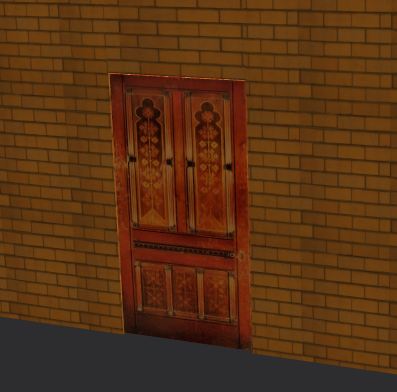
This is the easier setup. First you must have a build with your door linked (must not be the root !) in close state.
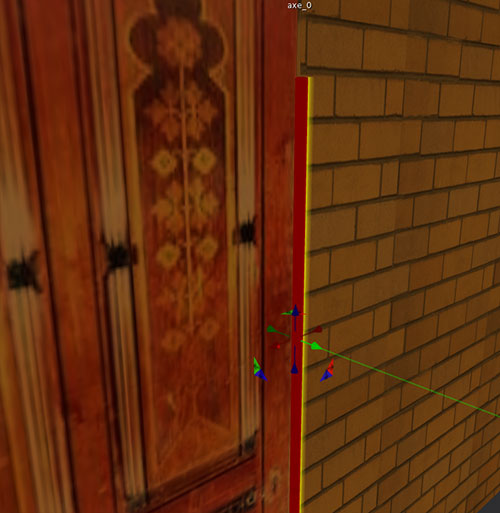
Rez the axis and put it just at the right place :
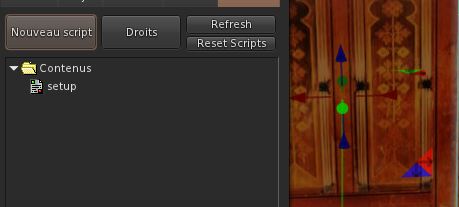
Drop the script setup in the build (root) :
You get this message :

So click on the door, you get a new message :

If your door is in closed state it's ok. Click again on the door. You get this menu :
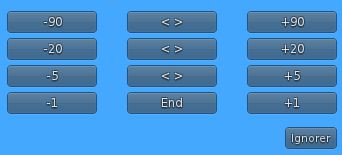
Click on buttons to get the correct rotation for the open state of your door :
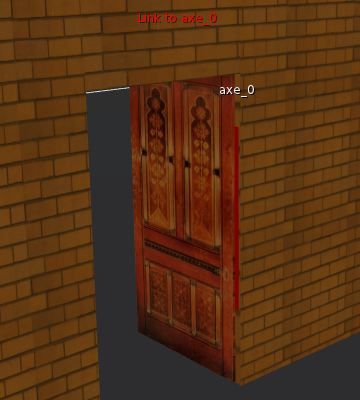
Click on End button in the menu, your get this message :

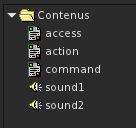
Now drop scripts action, command and access in the door primitive (not the root !). The door go to close state :
The setup is done and the door is working ! You can access to the menu with /70door command.
If you want to have sounds add sounds files (sound1 for close state and sound2 for open state) :