Two doors in a linkset

- Details
- Parent Category: Ultimate door system
- Created on Wednesday, 20 February 2013 14:50
- Last Updated on Wednesday, 11 September 2013 14:40
- Published on Wednesday, 20 February 2013 14:50
- Written by sandrine
- Hits: 156
First you must have a build with your doors linked in close state (for my example I have a simple door and a double door) :
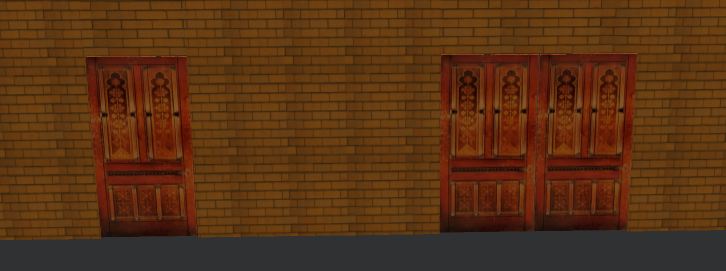
Setup of the first door
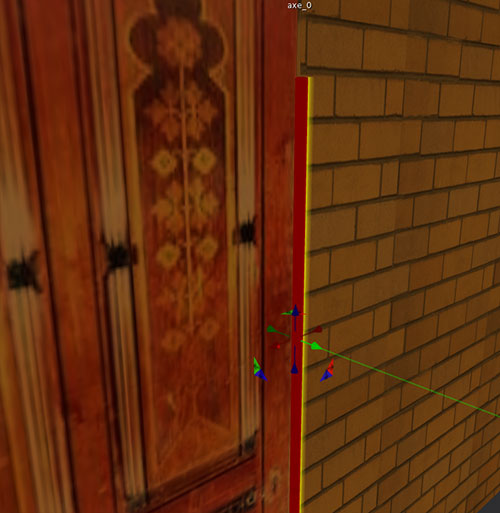
Lets begin with the single door. Rez the axis and put it just at the right place :
Drop the script setup in the build (root) :
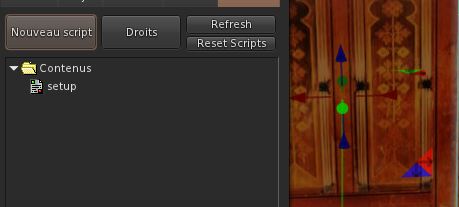
You get this message :

So click on the door, you get a new message :

If your door is in closed state it's ok. Click again on the door. You get this menu :
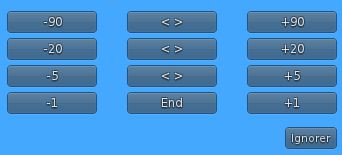
Click on buttons to get the correct rotation for the open state of your door :
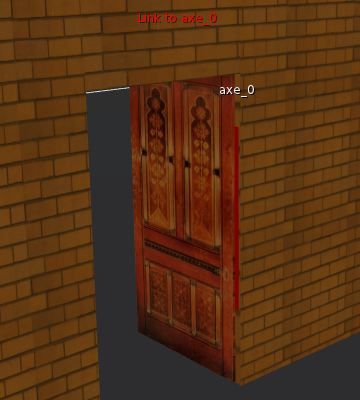
Click on End button in the menu, your get this message :

The setup is done and this door.
Setup of the second door
Rez the axis for the first primitive of the second door and put it just at the right place :
Drop the script setup in the build (root) :
You get this menu :
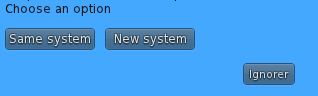
You choose New system because it's a new door !
You get this message :
So click on the door, you get a new message :
If your door is in closed state it's ok. Click again on the door. You get this menu :
Click on buttons to get the correct rotation for the open state of your door :
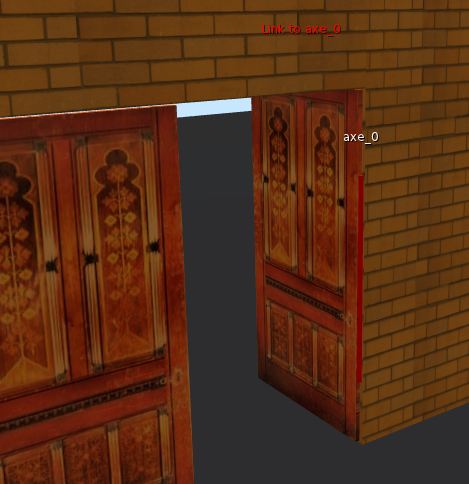
Click on End button in the menu, your get this message :
Rez the axis for the second primtive of the second door and put it just at the right place :
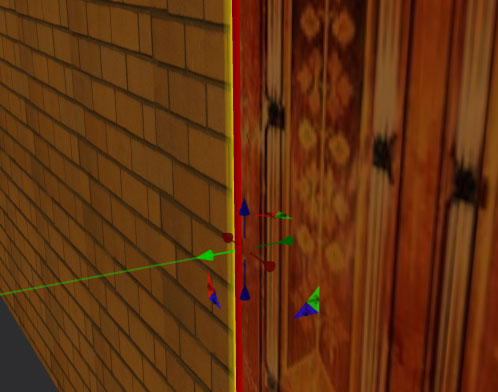
Drop the script setup in the build (root) :
You get this menu :
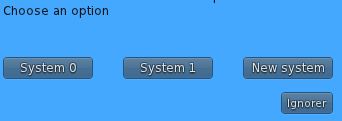
System 0 is the system for the first door, System 1 is the system for the second door, so we must choose System 1. You get this message :
So click on the door, you get a new message :
If your door is in closed state it's ok. Click again on the door. You get this menu :
Click on buttons to get the correct rotation for the open state of your door :
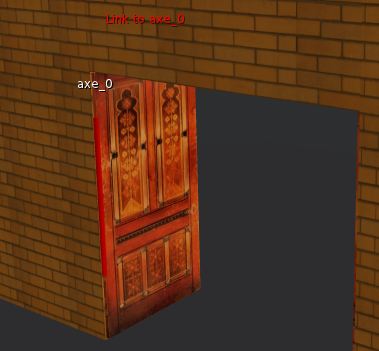
Click on End button in the menu, your get this message :
Configuration with independant doors
If you want your door to work independently put these scripts in first door :
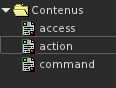
And these scripts in one of the primitives of second door :
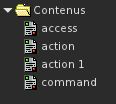
Now doors are working. You get menu for first door with /70door command in chat, and /71door for the second door.
If you want to have sounds add sounds files (sound1 for close state and sound2 for open state) :
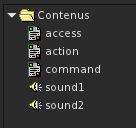
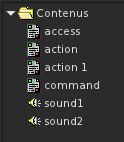
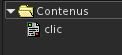
If you want the second door to work on click (with range sensor to 0 with the menu) you must drop script clic in the inventory of the second primitive (where there are no scripts) :
Configuration with remote
You must add a linked primitive to create a remote :
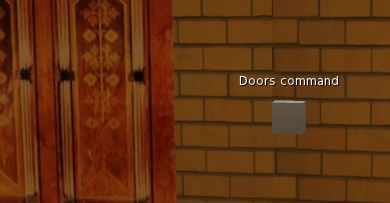
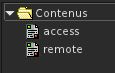
Drop these 2 scripts in the remote :
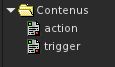
Drop these scripts in the first door :
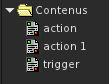
And these scripts in one of the primitives of second door :
Now doors are working. You get menu for the 2 doors with a click on the remote.
If you want to have sounds add sounds files (sound1 for close state and sound2 for open state) :
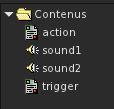
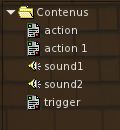
If you want the second door to work on click (with range sensor to 0) you must drop script clic in the inventory of the second primitive (where there are no scripts) :