Creations
Themes generator


- Details
- Parent Category: Simple rezzer
- Created on Thursday, 21 May 2015 11:03
- Last Updated on Thursday, 21 May 2015 12:01
- Published on Thursday, 21 May 2015 11:47
- Written by sandrine
- Hits: 184
Themes generator (V1.34)
Suppose you want to set different themes for a place. I mean a system like multiscene. How to do it with simple rezzer ? A rezzer can only set a theme, not many ones so you must use many rezzer, one for each theme. You also need a system to manage all these rezzers.
I created 2 new scripts to have this kind of system working. This article describes the process to set it.
If you have a previous version of simple rezzer and you want to use this new possibility send me a notecard in world and I'll send you the last version.
All menus are in french but I think it's not a problem...
This example is in the last package.
Create the themes
The first step is to create the themes. For each one you make a casul setup with simple rezzer. Let's look at an example.
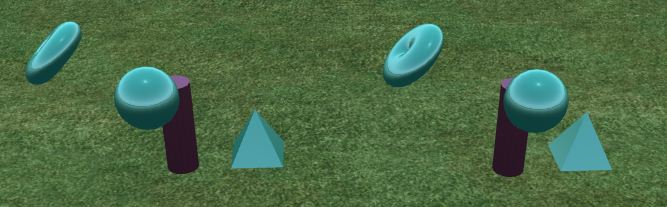
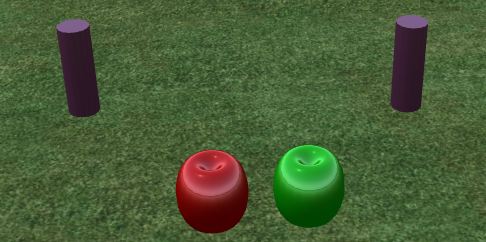
Say you have un rezzer and 3 objects :
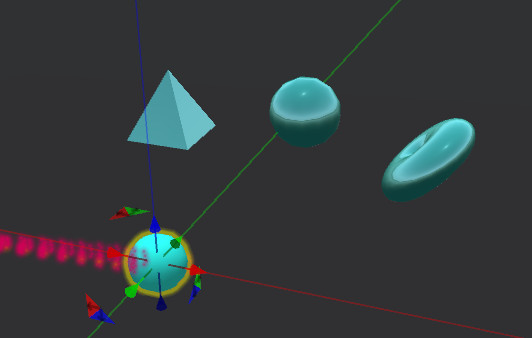
Your objects can be complex linked primitives but it's the same process.
First drop the rezzer setup script in your rezzer :
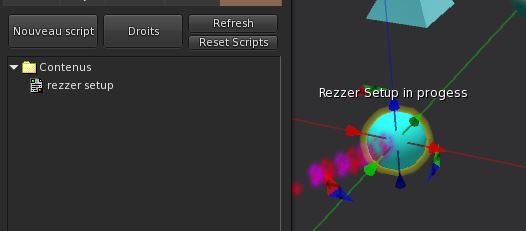
You get the casual menu :
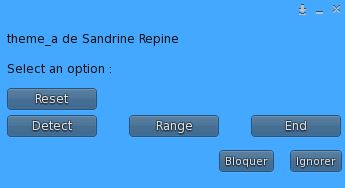
Clic on Detect to detect your objects (adjust the range if needed) :
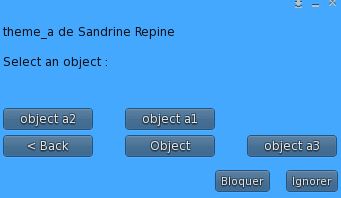
Select the first object and clic again on Detect in the new menu :
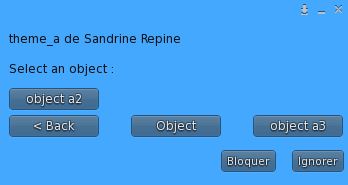
Select the second object and the third one the same way, so you get this menu :
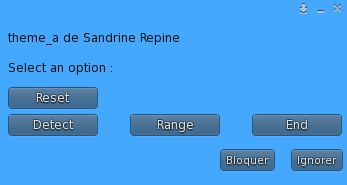
Now clic on End :
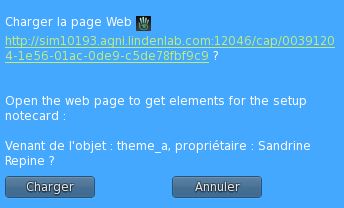
You get a web page like this :
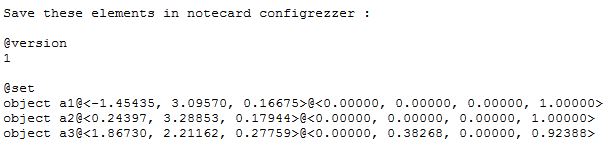
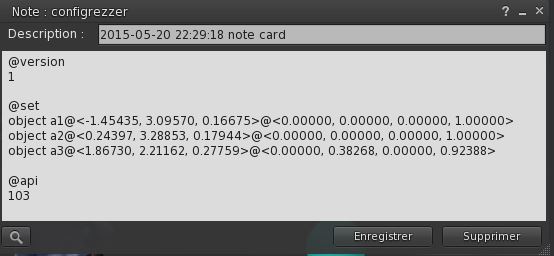
Create a notecard configrezzer with this text, but add the api reference :
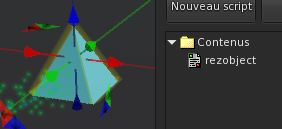
In each object you need the rezobject script :
In your rezzer drop :
- configrezzer notecard created above
- your objects
- manager script
- rezzer script
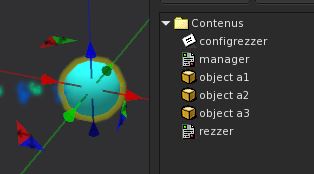
Now this theme is ready.
Create all your themes as this. For the example I created 3 themes..
Take care that all you rezzers will be rezzed at the same place and the same rotation so make yous setups with this idea in your mind !
The generator will create the menu with rezzers names so choose different, short and good names for them !
Create the generator
Now that the themes are created lst's go for the generator. Must be an object bigger than the rezzer because theses ones will be rezzed inside it and must be hidden (you also can make your rezzers transparents or any other way you like) :
Mine is only a simple cylinder ! Put inside it :
- all your themes
- themes script
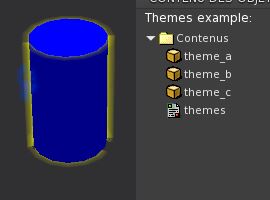
It's ready !
If you clic on it you get the menu :
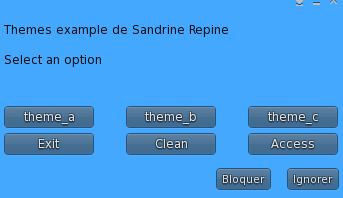
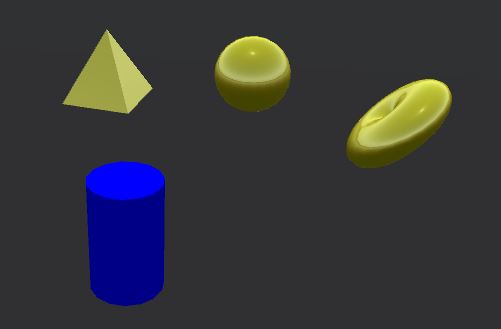
If you clic on a theme button you get it rezzed :
Now if you clic again you get only the remaining themes :
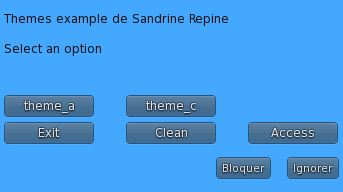
If you clic on another theme button the last one is deleted and the new one rezzed.
The Clean button is to clean rezzed theme.
The Access button is to manage access to themes generator (all, group or owner).
Have fun with it !
Centralized control (V1.31)
- Details
- Parent Category: Simple rezzer
- Created on Sunday, 19 September 2010 12:52
- Last Updated on Wednesday, 11 September 2013 14:40
- Published on Sunday, 19 September 2010 12:52
- Written by sandrine
- Hits: 555
I guess I have a centralized control of several rezzer. For my example i only take 2 rezzer (the setup must be done), but it would be the same thing with more rezzer.
For each rezzer i add a special section in configrezzer notecard to put them in slave mode :
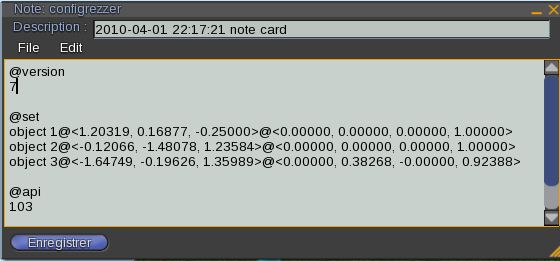
The special is @api, i choose the channel 103. Now rezzers can be only triggered from another script. Here is this script :
integer channel = -52112;
integer apiChannel = 103;
default
{
    state_entry()
    {
        llListen(channel, "", NULL_KEY, "");
    }
    listen(integer channel, string name, key id, string message)
    {
        llMessageLinked(LINK_THIS, apiChannel, message, NULL_KEY);
    }
}
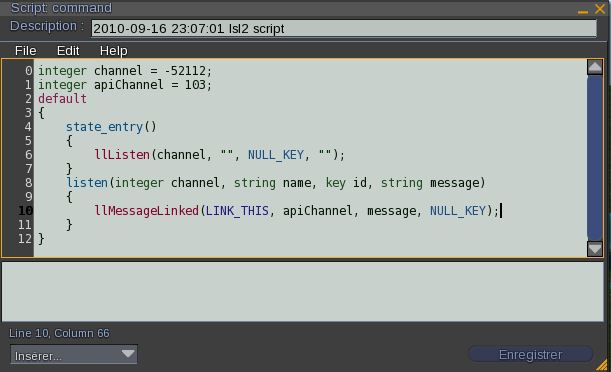
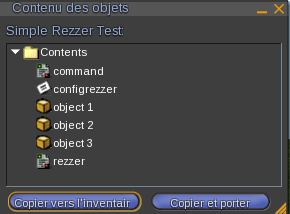
I call it command and put it in each rezzer inventory :
Now i creat a new object that will be the the centralized control :
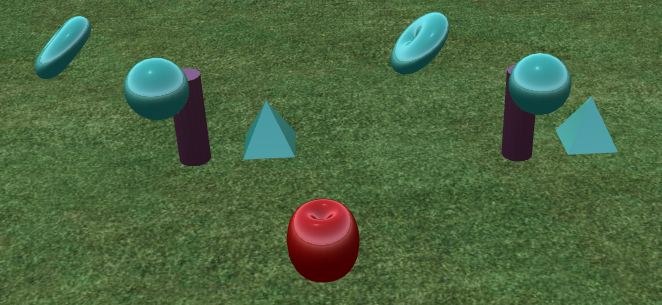
I create a new script for this object :
integer channel = -52112;
default
{
    touch_start(integer total_number)
    {
        llShout(channel, "rezall");
    }
}
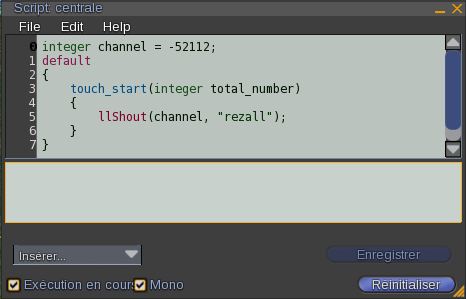
Now if i delete all rezzed object and clic on centralized control all objects are rezzed again at th esame time for the 2 rezzer.
Maybe you think it will be a good idea to also create an object to del all objects. It's easy. I create a new object :
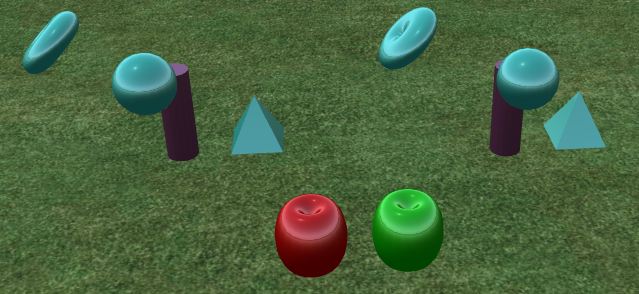
And i put this script inside :
integer channel = -52112;
default
{
    touch_start(integer total_number)
    {
        llShout(channel, "delall");
    }
}
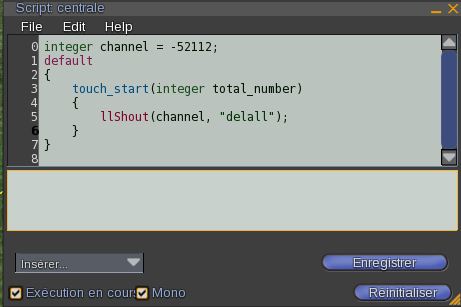
The same script than above, but now the command is delall. Now if i clic on this object all objects are erased.
This example is simple, but it is possible to create a sophisticated system by ordering specific objects or groups of objects.